Interesting Vulnerability in All Android Phones
📋 Video Summary
🎯 Overview
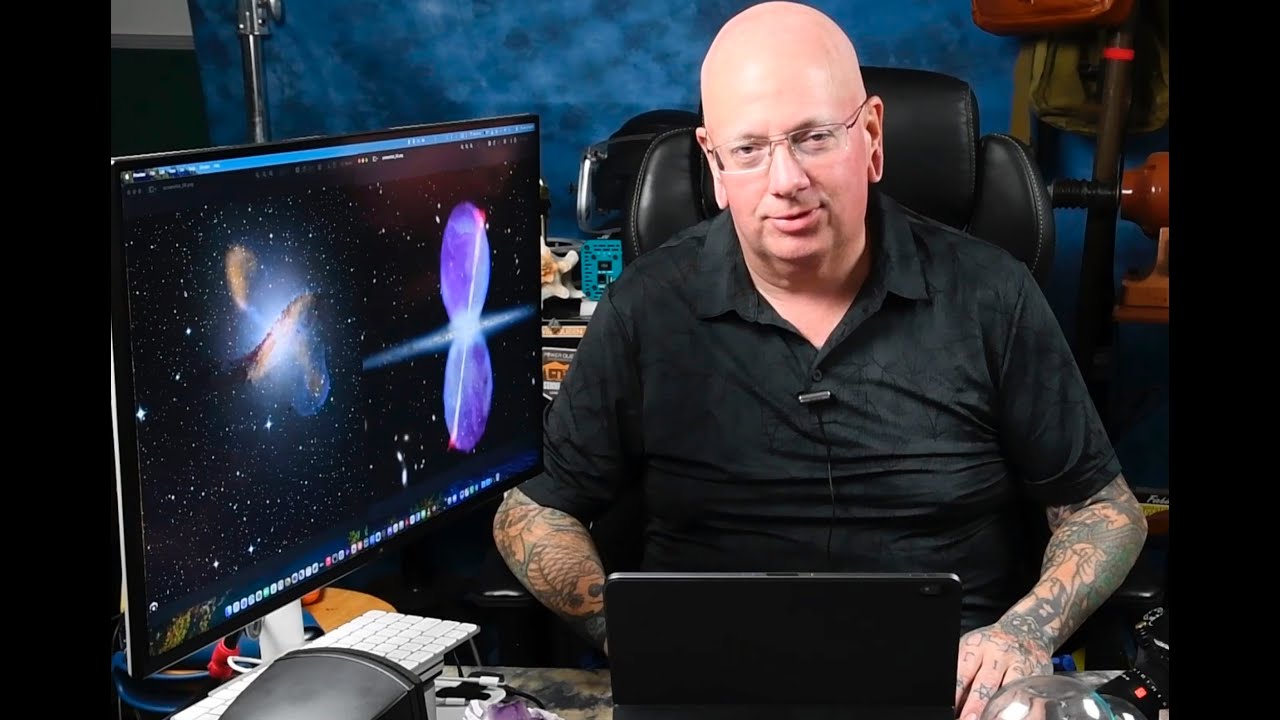
This video by Daniel Boctor discusses a critical, unpatched vulnerability called "Pixnapping" affecting all Android devices globally. Pixnapping is a hardware-level side channel attack that allows malicious apps to visually read information displayed on the screen of other apps in real time, even without any permissions granted. The video explains the attack's mechanics, its potential impact, and the limited mitigation options available.
📌 Main Topic
The "Pixnapping" vulnerability on Android devices and its implications for user privacy and security.
🔑 Key Points
- 1. The Pixnapping Vulnerability [0:00]
- It's a hardware-level side channel attack, making it undetectable to the victim. - Google is aware but hasn't released a patch yet, with a potential patch expected by the end of the year.
- 2. How Pixnapping Works [1:16]
- Example: A malicious app could steal 2FA codes displayed by an authenticator app. - The attack uses a combination of activities (views within an app) and intents (mechanisms for launching activities from other apps).
- 3. The Attack Process: Layering Activities [4:26]
- The malicious app then layers its own activities on top of the target app's screen. - These layers include: - Masking Activity: An opaque layer masking the entire screen except for one target pixel. [13:20] - Enlargement Activity: Enlarges the targeted pixel's color to the entire screen using a blur filter. [14:15] - Encoding Activity: A layer with random transparent holes, allowing the color of the target pixel to be encoded as white or non-white (e.g., blue). [16:30] - Transmitting Activity: Multiple blur filters are applied to the encoded layer. [18:19]
- 4. Side Channel: Pattern-Dependent Optimization [20:21]
- The time it takes to render the final blurred layer reveals if the target pixel was white or non-white. - By measuring the time difference between VSYNC signals, the malicious app extracts the information.
- 5. App List Bypass Vulnerability [26:41]
- This allows for user fingerprinting based on installed apps. - Google considers this vulnerability low severity and may not fix it.
- 6. Demo and Impact [28:20]
- The attack can steal any information displayed visually, including emails, messages, and website data.
💡 Important Insights
- • Undetectability: The attack is designed to be invisible to the user. [0:29]
- • No Permissions Needed: Malicious apps don't require any special permissions to execute the attack. [4:30]
- • Limited Mitigation: There are limited options to protect against the attack. [1:02]
- • Potential for Real-World Exploitation: The attack is practical and can be executed to steal sensitive information. [10:29]
📖 Notable Examples & Stories
- • 2FA Code Theft: The video shows a live demonstration of Pixnapping stealing 2FA codes from Google Authenticator and logging into a Reddit account. [1:45, 28:36]
- • Meltdown Inspector Analogy: The video references the Meltdown and Spectre vulnerabilities to explain the side channel attack concept. [3:11]
🎓 Key Takeaways
- 1. All Android devices are vulnerable to Pixnapping.
- 2. The attack can be used to steal any information displayed visually on your phone.
- 3. There is currently no effective way to fully protect against this vulnerability.
✅ Action Items (if applicable)
□ Be cautious about installing apps from unknown sources. □ Be aware that your on-screen information could be at risk. □ Stay updated on security news and potential patches from Google.
🔍 Conclusion
The Pixnapping vulnerability poses a significant threat to Android users, allowing for the stealthy theft of sensitive information. The video highlights the attack's technical sophistication, its potential impact, and the need for users to be aware of the risks until a patch is released.
Create Your Own Summaries
Summarize any YouTube video with AI. Chat with videos, translate to 100+ languages, and more.
Try Free Now3 free summaries daily. No credit card required.
Summary Stats
What You Can Do
-
Chat with Video
Ask questions about content
-
Translate
Convert to 100+ languages
-
Export to Notion
Save to your workspace
-
12 Templates
Study guides, notes, blog posts