
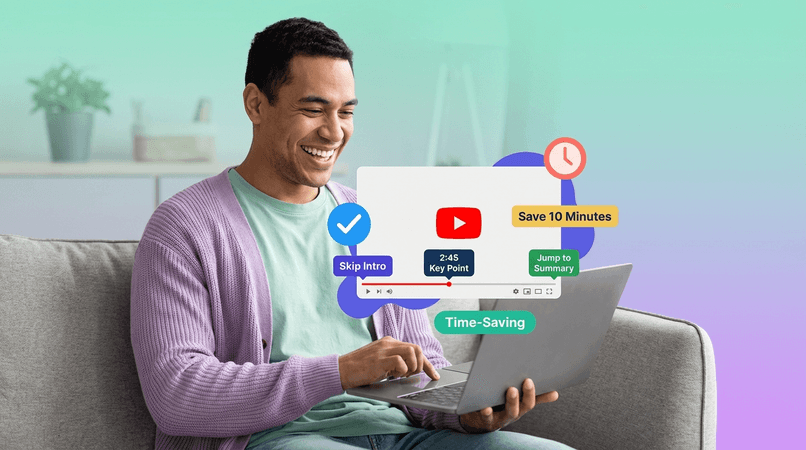
Stop scrubbing through video timelines. Click timestamps in your summary and jump directly to that moment. Perfect for rewatching, studying, and sharing specific clips.
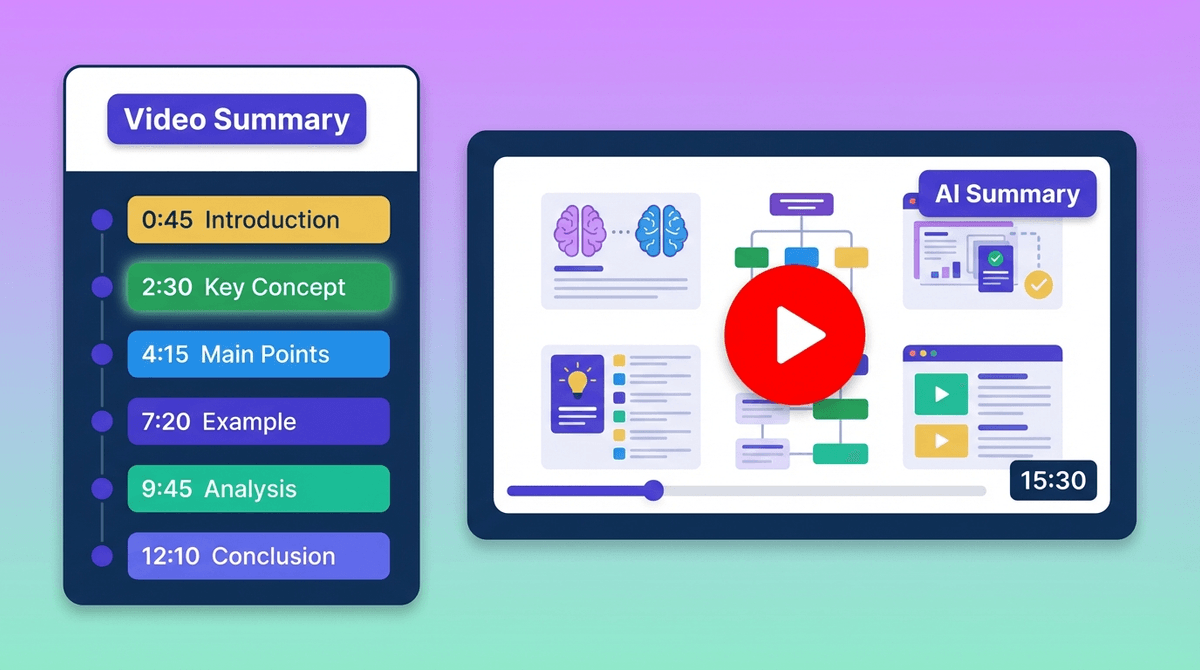
Dragging the video timeline to find specific moments wastes minutes. Clickable timestamps get you there instantly.
The old way: guessing, scrubbing, rewinding, and wasting time
Read summary, find interesting point
Want to see that part in the video
Guess where it might be in the timeline
Click timeline, start watching
Not the right part—scrub forward
Went too far—scrub back again
Finally find it after 5 minutes of scrubbing
Result: Frustrated, time wasted, and you might still miss the exact moment you wanted.
The modern way: instant navigation in 2 seconds
Read summary, find interesting point
Click the timestamp next to it
Video jumps to exact moment. Done in 2 seconds.
Result: Instant navigation, zero frustration, and you see exactly what you wanted immediately.
That's 4 minutes and 58 seconds saved every single time you want to rewatch something. Multiple times per video = hours saved weekly.
More than just clickable links—intelligent navigation built for learning
AI automatically marks key moments in the video. Every important concept, topic change, or example gets a timestamp.
Click any timestamp and the video jumps to that exact moment. Works on desktop, mobile, and tablet—everywhere.
AI identifies natural video chapters and sections. Navigate by topic, not by time—much more intuitive.
Add your own timestamps for moments you want to revisit. Perfect for study notes or personal reference.
Search for keywords and find the exact timestamp where they're mentioned. "Authentication" → Jump to 12:34.
Works perfectly on phones and tablets. Tap timestamps to navigate on any device—iOS, Android, everything.
How timestamps save time and improve learning across different scenarios
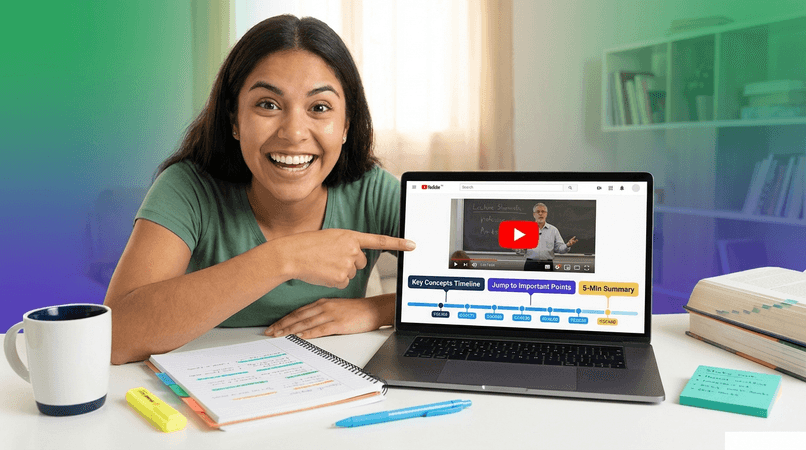
Professor explained a tricky concept you didn't understand? Click the timestamp for that section and rewatch just that 2-minute explanation—not the entire 50-minute lecture.
Result: Master difficult concepts without wasting time
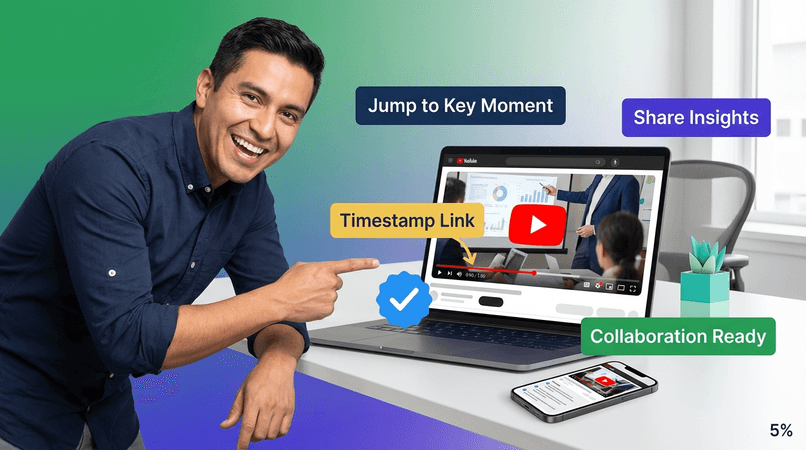
Found something relevant in a 2-hour webinar? Send colleagues the timestamp link—they jump directly to that moment without watching everything.
Result: Efficient knowledge sharing across teams
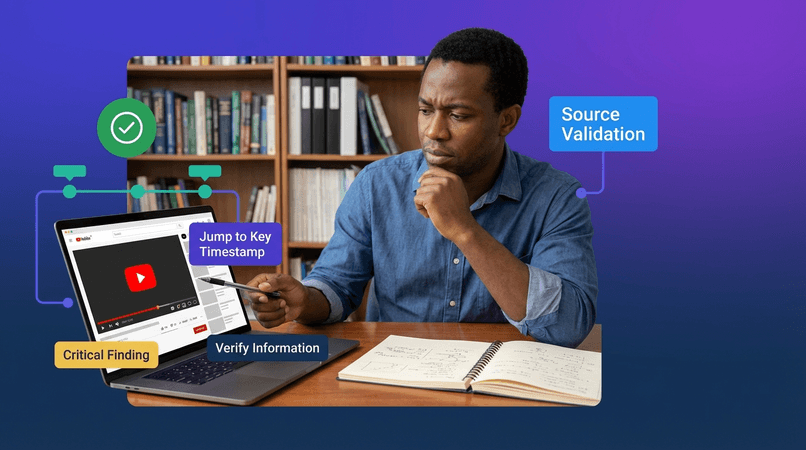
Need to fact-check a claim from the summary? Click the timestamp to jump to the source and hear the exact quote in context. Perfect for academic citations.
Result: Citation-ready quotes with exact timestamps
Video has 10 minutes of intro and small talk? Look at the timestamps, find where the actual content starts, and jump there instantly. No more waiting.
Result: Watch only what matters, skip the rest
Everyone who rewatches videos loves timestamps
Alex Johnson
MBA Candidate
"Clickable timestamps changed my study game! I rewatch tricky concepts from lectures in seconds. No more scrubbing through timelines. Saves hours every week."
Maya Patel
Biology Major
"I use timestamps to jump directly to formulas and definitions when reviewing. No more watching entire lectures again. Aced my biochem final!"
David Thompson
Software Engineer
"Sharing timestamped links with my team is a game-changer. They click and see exactly what I'm talking about—no confusion, no wasted time."
Tom Anderson
Project Manager
"I summarize client calls and timestamp key decisions. When writing meeting notes, I click timestamps to verify exact quotes. So much better than guessing!"
Ahmed Hassan
Polymath Enthusiast
"I watch documentaries and lectures on dozens of topics. Timestamps let me revisit specific ideas months later without rewatching everything. My second brain!"
Sarah Chen
Content Creator
"As a YouTuber, I research hundreds of videos for my content. Timestamps let me bookmark exact moments and come back to them later. Absolute lifesaver!"
Our AI analyzes the video transcript and identifies key moments: topic changes, important concepts, examples, definitions. Each gets a timestamp automatically. You can also add custom bookmarks.
Yes! Click "Add Bookmark" at any point in the video to create a custom timestamp. Perfect for marking moments you want to revisit later or adding personal notes.
Yes! Tap any timestamp on your phone or tablet and the video jumps to that moment. Works on iOS, Android, and all modern mobile browsers.
Absolutely! Every timestamp has a shareable URL. Send it to colleagues or friends—they'll see your summary and can click the timestamp to jump to that exact moment in the video.
Very accurate! Our AI uses the video transcript to pinpoint exact moments (usually within 1-2 seconds). The quality depends on transcript accuracy, and our 4-tier system ensures 99.9% success.
Yes! Every video summary includes clickable timestamps. The number of timestamps depends on video length and content structure—longer videos with more topics get more timestamps.
Join 500,000+ students and professionals who navigate videos with one click