
Stop processing videos one by one. Paste a playlist URL and summarize 10, 50, 100 videos simultaneously. Save hours on research and analysis.
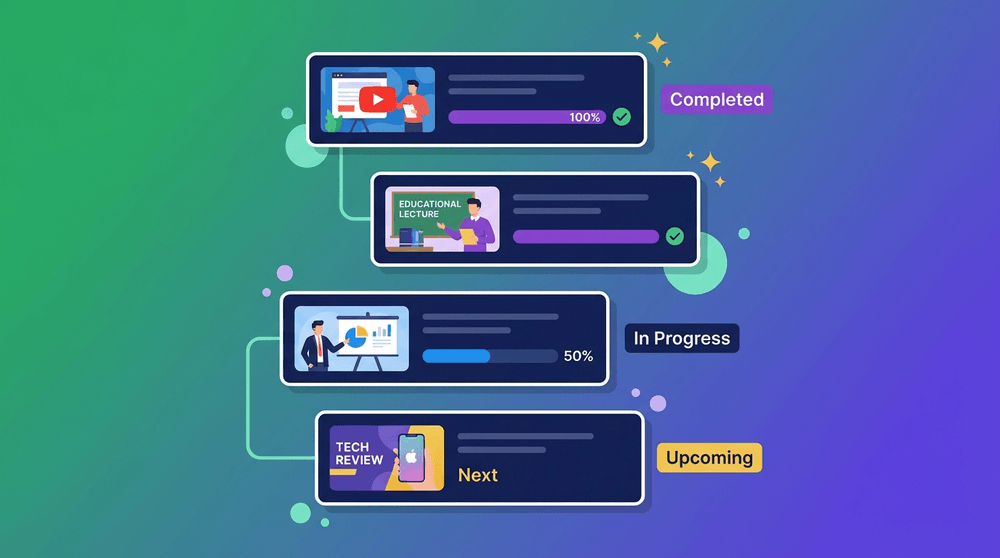
Researchers, professionals, and power users deal with entire playlists. Processing them one by one is painful. Batch processing changes everything.
More than just bulk—smart queue management, parallel processing, and intelligent deduplication
Paste any YouTube playlist URL. We'll detect all videos automatically and queue them for processing. Works with public and unlisted playlists.
Prioritize important videos, reorder the queue, pause processing, or skip videos. Full control over your batch job.
Process multiple videos simultaneously. Our servers handle the heavy lifting so you get results 10-20x faster than sequential processing.
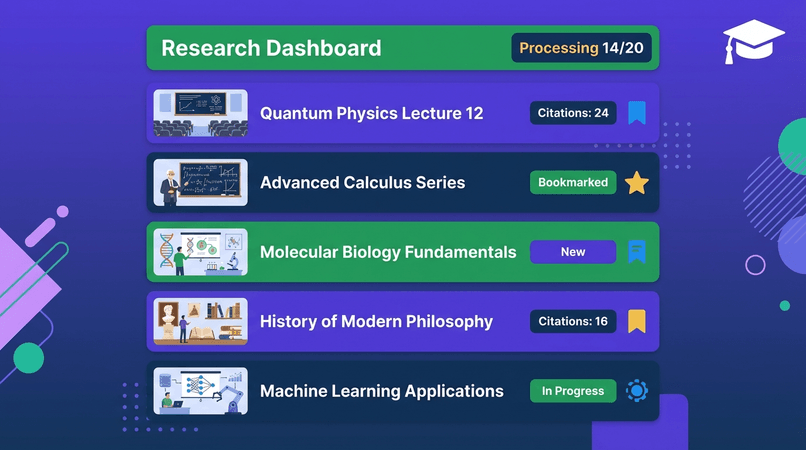
See real-time status of each video: queued, processing, completed, or failed. Track progress percentage and estimated completion time.
Download all summaries as a ZIP file, export to Notion in bulk, or save as a single PDF. Multiple export formats available.
AI detects and skips videos you've already summarized. No duplicate processing, no wasted credits.
From academic research to conference archives—see how professionals use batch processing
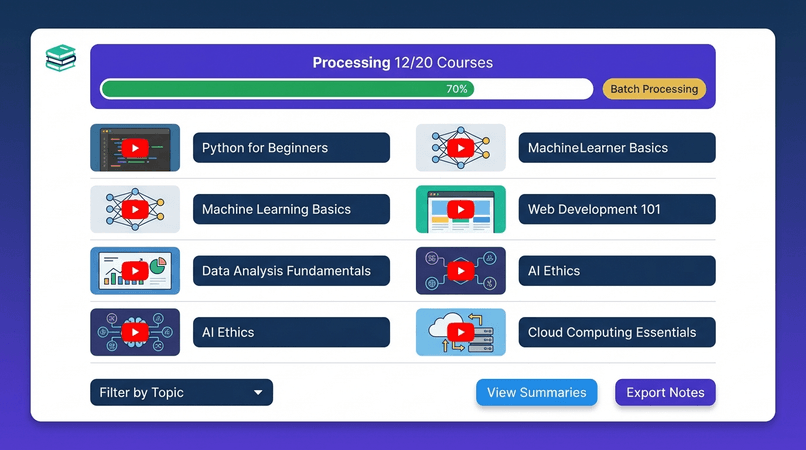
Udemy course with 120 lectures? Coursera specialization with 80 videos? Batch process the entire playlist and get a complete course overview before committing time or money.
Result: Complete course summary in 20 minutes. Preview before buying or review after completing.
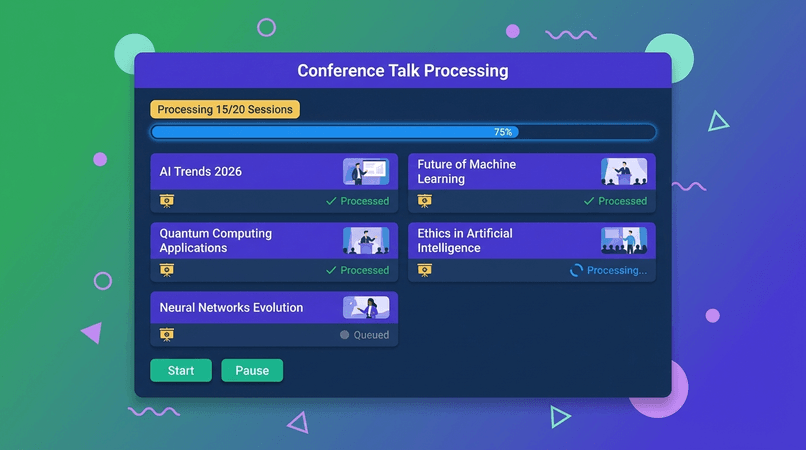
AI conference with 50+ talks? Tech summit with 100 sessions? Batch process everything and search for relevant insights without watching hours of footage.
Result: Analyze entire conferences in minutes. Find trends and extract key insights instantly.
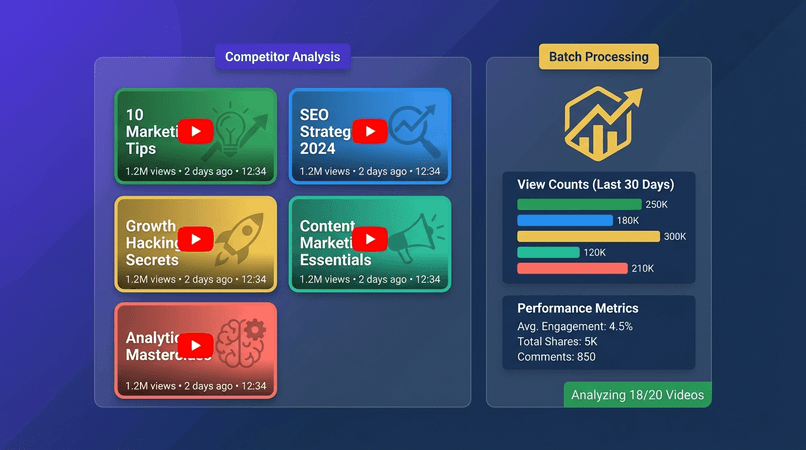
Analyze competitor's video strategy by batch processing their entire channel or specific playlists. Identify topics, themes, content gaps, and opportunities.
Result: Complete competitor video analysis in one afternoon. Strategic insights unlocked.
Research topic with 200+ video lectures? Batch process the entire corpus. Search, filter, and extract relevant findings for your literature review or dissertation.
Result: Literature review that would take weeks now takes hours. Citation-ready summaries.
Researchers and professionals who process hundreds of videos trust batch processing
Prof. James Liu
Physics Professor
"I processed 150 quantum physics lectures for my literature review. Batch processing saved me weeks of work. The progress tracking kept me sane!"
Dr. Emily Carter
Neuroscientist
"Game-changer for research! I batch processed an entire conference archive (80+ talks) overnight. Found exactly the papers I needed to cite."
Dr. Sophie Anderson
Biologist
"The bulk export to PDF feature is brilliant! I processed 50 lectures and got one comprehensive document. Perfect for literature reviews."
Marcus Chen
Management Consultant
"I analyze competitor webinar series for clients. Batch processing lets me analyze 30+ webinars in an hour. The ROI is insane—clients love the insights!"
Rachel Martinez
Marketing Director
"Content research used to take days. Now I batch process competitor channels and identify trends in minutes. This tool is a competitive advantage!"
David Park
Data Analyst
"Processing 100+ training videos for onboarding used to be brutal. Now it takes under 30 minutes. Queue management is incredibly intuitive!"
Free plan: up to 10 videos per batch. Pro plan: up to 50 videos. Premium: up to 100 videos. Ultimate: up to 200 videos per batch. You can run multiple batches simultaneously on paid plans.
Processing time depends on video length and queue size. On average: 50 videos take 10-15 minutes with parallel processing. Our dashboard shows real-time progress and estimated completion time.
Yes! Drag and drop videos to reorder the queue. You can also mark videos as "high priority" to process them first. Pause, resume, or skip videos anytime.
Failed videos are marked with an error status, but the batch continues processing remaining videos. You can retry failed videos individually or skip them. Our 4-tier transcript system has a 99.9% success rate.
Yes! Pause anytime and resume later. Your queue position is saved. Completed summaries are available immediately—you don't need to wait for the entire batch to finish.
Yes! Free plan includes batch processing for up to 10 videos per batch. Create a free account to get started—no credit card required. Upgrade for larger batches and parallel processing.
Join 500,000+ users saving hours with batch processing